
Ultimate Guide to Price Alerts Setup for Online Shoppers
Chasing online deals can feel like a constant race, especially when prices change without warning. For budget-conscious shoppers from Canada to Australia and everywhere in between, missing out on a price drop often means regret and lost savings. Creating a secure account with PriceLix gives you access to comprehensive price monitoring features that help you track product prices across major retailers, set custom alerts, and make savvy purchases during seasonal sales.
Table of Contents
- Step 1: Create A PriceLix Account And Log In
- Step 2: Choose Products To Track From Popular Stores
- Step 3: Set Custom Price Alert Thresholds
- Step 4: Customize Notification Preferences For Alerts
- Step 5: Verify And Manage Active Price Alerts
Quick Overview
| Important Insight | Clarification |
|---|---|
| 1. Create an Account | Setting up a PriceLix account is quick and essential for accessing price tracking features. |
| 2. Track Relevant Products | Select high-demand items from various categories for maximum savings potential. |
| 3. Set Price Alerts | Establish defined price thresholds to receive notifications when prices change. |
| 4. Customize Notifications | Choose preferred notification methods to stay updated without being overwhelmed. |
| 5. Regularly Manage Alerts | Review and update your price alerts frequently to ensure effective tracking and relevancy. |
Step 1: Create a PriceLix account and log in
Starting your price tracking journey with PriceLix begins with creating a simple, secure account that unlocks powerful savings potential. Our registration process takes less than two minutes and provides immediate access to comprehensive price monitoring features.
To create your account, follow these straightforward steps:
- Visit the PriceLix homepage
- Click the “Sign Up” button located in the top right corner
- Enter your email address and choose a strong password
- Select your country or region
- Click “Create Account”
After registration, you’ll receive a verification email to confirm your account. Quickly verify your personal details to activate full platform functionality. Once confirmed, log in using your email and password on the main login screen.
Pro tip: Use a unique password and enable two-factor authentication for maximum account security.
Once logged in, you’ll have instant access to PriceLix’s dashboard, where you can start tracking prices on your favorite products across multiple online retailers.
Pro tip: Consider using a password manager to generate and store complex, unique passwords for enhanced online security.
Step 2: Choose products to track from popular stores
Now that you’ve created your PriceLix account, it’s time to start tracking prices on products you’re interested in purchasing. Selecting the right products to monitor will help you maximize your potential savings across multiple online retailers.
When choosing products to track, consider these key strategies:
- Focus on high-ticket items like electronics, appliances, and furniture
- Track products you’re planning to buy in the near future
- Include a mix of items from different categories
- Select products available on multiple popular e-commerce platforms
PriceLix supports price tracking across numerous online stores, including:
- Amazon
- Walmart
- Best Buy
- Target
- eBay
Pro tip: Prioritize tracking products with historically fluctuating prices for maximum potential savings.
To add a product, simply copy and paste the product URL into the PriceLix dashboard or use our browser extension for one-click tracking. You can set specific price thresholds that will trigger instant notifications when your desired item drops in price.

Pro tip: Start by tracking 5-10 products to get familiar with the platform without overwhelming yourself.
Step 3: Set custom price alert thresholds
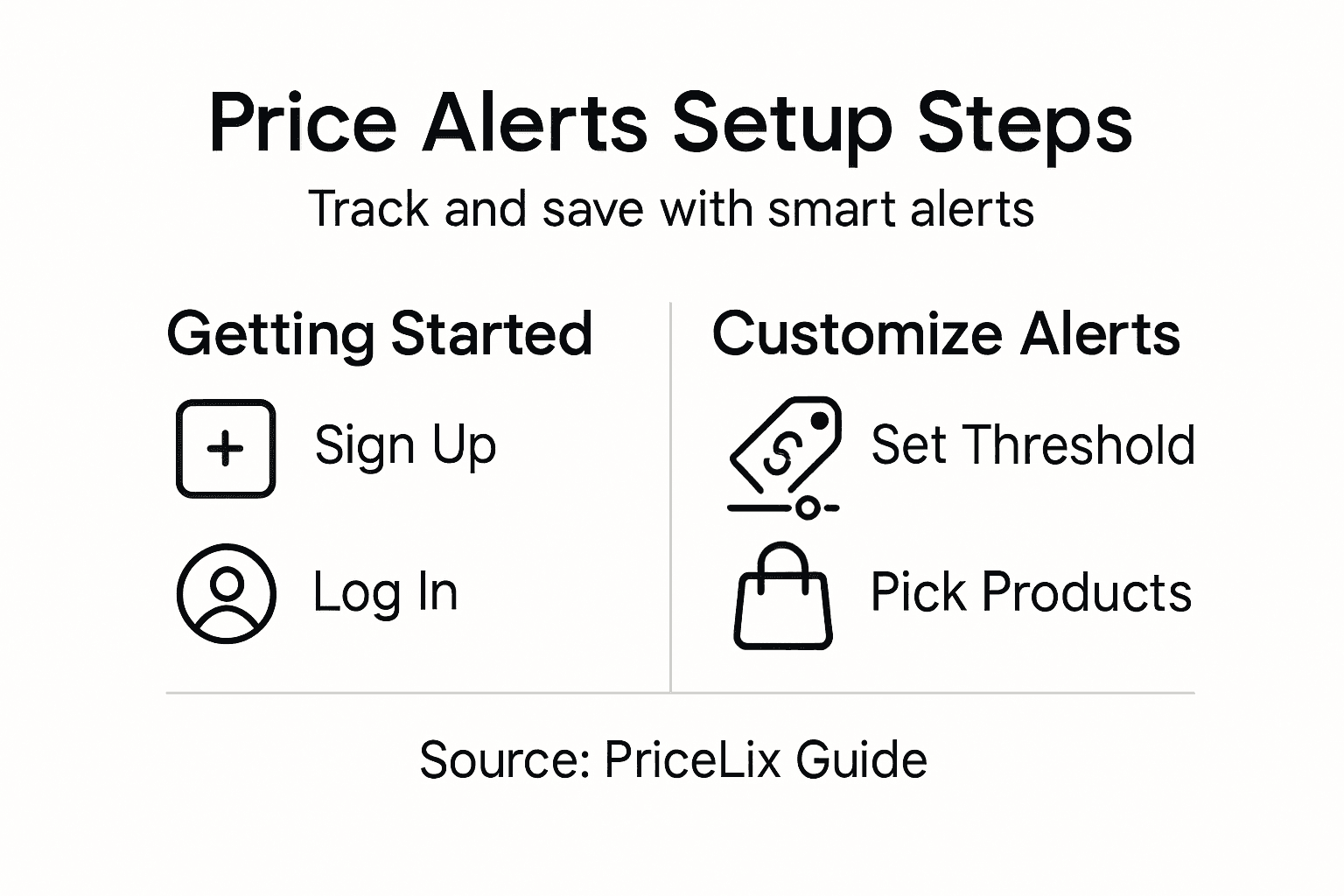
After adding your desired products, it’s time to set up precise price alerts that match your budget and shopping strategy. Customizing price alert thresholds allows you to create targeted notifications that help you save money without constant manual checking.
Here’s how to configure your price alert thresholds effectively:
- Decide your maximum acceptable purchase price
- Set both lower and upper price limits
- Consider percentage-based drops (5%, 10%, 15%)
- Factor in shipping costs and potential additional fees
To set up your thresholds, follow these steps:
- Click on the product in your tracking list
- Select “Set Price Alert”
- Enter your desired minimum and maximum price points
- Choose notification preferences (email, mobile push, SMS)
- Save your alert settings
Pro tip: Start with conservative thresholds and adjust based on actual market performance.
PriceLix’s intelligent system will continuously monitor your selected products and send instant notifications when prices hit your specified ranges. This means you can sit back and let the platform do the hard work of finding the best deals.
Pro tip: Track price history for at least two weeks before setting your first alert to understand typical price fluctuations.
Step 4: Customize notification preferences for alerts
PriceLix offers flexible ways to keep you informed about price changes without overwhelming your communication channels. Configuring notification preferences allows you to control exactly how and when you receive updates about your tracked products.
Your notification customization options include:
- Email alerts
- Mobile push notifications
- SMS text messages
- Browser notifications
- In-app alerts
To set up your preferred notification methods:
- Navigate to Account Settings
- Select “Notification Preferences”
- Choose your desired alert channels
- Set notification frequency (instant, daily, weekly)
- Adjust individual product alert settings
Pro tip: Balance multiple notification channels to ensure you never miss a critical price drop.
Each notification method comes with unique advantages. Email provides detailed summaries, push notifications offer instant updates, and SMS ensures you’re informed even without internet access. PriceLix’s intelligent system learns your preferences and adapts accordingly.
Here’s a quick comparison of PriceLix’s notification methods and their key strengths:
| Notification Method | Main Advantage | Ideal For |
|---|---|---|
| Detailed product summaries | Reviewers and planners | |
| Mobile Push | Immediate real-time updates | On-the-go monitoring |
| SMS | Alerts without internet access | Travelers and remote users |
| Browser Notification | Fast desktop alerts | Active computer users |
| In-app Alert | Integrated platform experience | Regular PriceLix dashboard users |
Pro tip: Start with one or two notification methods and gradually expand as you become comfortable with the platform.
Step 5: Verify and manage active price alerts
As your price tracking journey progresses, regularly reviewing and managing your alerts becomes crucial for maintaining an effective savings strategy. Verifying active price alerts ensures you stay on top of your tracked products and optimize your shopping experience.
To effectively manage your active alerts, follow these key steps:
- Review each alert’s current status
- Check recent notification history
- Assess the relevance of your tracked products
- Update price thresholds based on market trends
- Remove or pause alerts for items no longer of interest
Specific management actions include:
- Access the “My Alerts” dashboard
- Select individual alert settings
- Edit price thresholds
- Modify notification preferences
- Pause or delete unnecessary alerts
Pro tip: Perform a monthly audit of your active alerts to keep your tracking list streamlined and effective.
PriceLix’s intelligent system allows for seamless alert management, giving you complete control over your price tracking experience. By regularly reviewing your alerts, you can ensure you’re always positioned to catch the best possible deals.
This summary outlines actions for maintaining effective price alert management:
| Management Step | Purpose | Frequency Recommendation |
|---|---|---|
| Review alert status | Ensure accuracy on tracked items | Weekly or as needed |
| Update price thresholds | Reflect current market trends | Monthly or after big changes |
| Delete or pause old alerts | Remove irrelevant products | During monthly audits |
| Adjust notification settings | Optimize how you get updates | When workflow preferences shift |
Pro tip: Set a recurring calendar reminder to review and optimize your price alerts every 30 days.
Master Price Alerts and Save Smarter with PriceLix
The “Ultimate Guide to Price Alerts Setup for Online Shoppers” highlights the challenge of tracking multiple products across various retailers without missing out on the best deals. You may feel overwhelmed managing custom price thresholds and notification preferences while wanting to avoid constant manual checks. The article stresses effective price alert management as the key to maximizing savings and minimizing effort. If you want to stop overpaying and stay confidently informed on your favorite products, you need a straightforward, reliable solution.
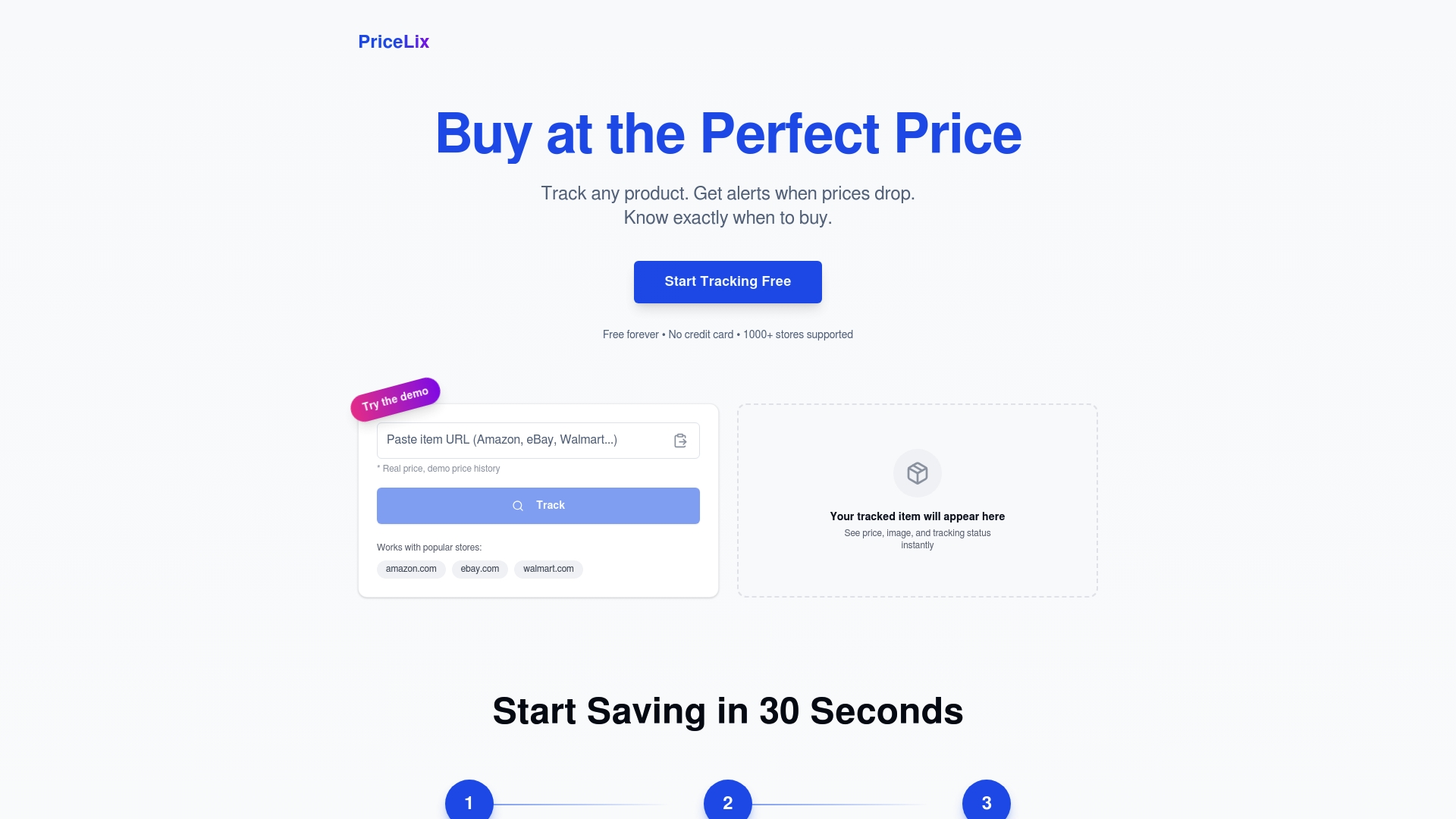
PriceLix is designed exactly for this purpose. Our platform simplifies price tracking across hundreds of stores including Amazon, eBay, and Walmart. By creating your free account you gain access to an intuitive dashboard that automates daily price checks, sends you timely alerts through email, SMS, or push notifications, and lets you effortlessly customize your price alert thresholds. Experience how it feels to finally take control of your shopping budget without the hassle of manual price monitoring.
Discover how easy saving can be and join thousands of savvy shoppers who trust PriceLix to spot the best deals.
Start tracking your products now and unlock personalized price alerts that work for your unique budget and shopping habits.
Create your PriceLix account today and transform the way you shop online.
Frequently Asked Questions
How do I set up price alerts for my favorite products?
To set up price alerts, first log in to your PriceLix account. Then, add the product URL to your tracking list, and choose your desired price thresholds to be notified when the price drops.
What should I consider when choosing products to track?
When choosing products to track, focus on high-ticket items such as electronics or appliances, and prioritize products you plan to purchase soon. It’s also beneficial to select a mix of items from various categories to maximize savings opportunities.
How can I customize my notification preferences for price alerts?
To customize your notification preferences, go to Account Settings and select Notification Preferences. Here, you can choose how often you want to receive alerts, such as instant, daily, or weekly, and select from different notification methods like email or mobile push notifications.
How often should I review my active price alerts?
You should review your active price alerts monthly to ensure they remain relevant and useful. During this review, check the status of each alert, update any price thresholds, and remove alerts for products that are no longer of interest.
What action can I take if I want to adjust my price alerts?
If you want to adjust your price alerts, access the “My Alerts” dashboard to edit your existing alert settings. You can change the price thresholds or modify notification preferences to better align with your shopping strategy.