
How to Set Up Price Alerts for Smarter Online Shopping
Staring at daily price swings can feel exhausting when all you want is the best deal for your next purchase. With so many options across global retailers, finding the right moment to buy becomes a real challenge for smart shoppers. By harnessing automated price alerts and detailed price history tracking on platforms like PriceLix, you can make confident decisions and let real savings find you, not the other way around.
Table of Contents
- Step 1: Create A PriceLix Account And Log In
- Step 2: Search And Select Products To Track
- Step 3: Set Your Desired Price Thresholds
- Step 4: Enable And Customize Alert Notifications
- Step 5: Verify Alerts And Monitor Savings
Quick Summary
| Main Insight | Description |
|---|---|
| 1. Create a PriceLix Account | Sign up for a free PriceLix account to start monitoring prices easily. |
| 2. Track Meaningful Products | Focus on items you intend to purchase for maximum savings potential. |
| 3. Set Custom Price Alerts | Define specific price thresholds to receive targeted notifications. |
| 4. Customize Notification Settings | Choose your preferred alert methods to stay informed effectively. |
| 5. Monitor Your Savings | Review and analyze alert performance regularly to maximize savings. |
Step 1: Create a PriceLix account and log in
Launching your price tracking journey starts with creating a fast and secure PriceLix account. In just a few minutes, you’ll gain access to unlimited product price monitoring across hundreds of online retailers.
To get started, visit the PriceLix website and click the Sign Up button located in the top right corner. The registration process is straightforward and requires minimal personal information:
- Enter your email address
- Create a strong, unique password
- Confirm your email through the verification link sent to your inbox
Your account setup is completely free and doesn’t require any credit card details. This means you can start tracking prices immediately without financial commitment. Once logged in, you’ll have instant access to features like:
- Unlimited price tracking
- Instant price drop alerts
- Detailed price history charts
- Support for tracking products from multiple online stores
The entire registration process typically takes less than 30 seconds, allowing you to quickly begin monitoring the products you’re interested in purchasing.
Pro tip: Use a dedicated email address for price tracking to keep your primary inbox clutter-free and organize all your price alert notifications efficiently.
Step 2: Search and select products to track
Now that your PriceLix account is set up, it’s time to start tracking the products you’re interested in purchasing. Identifying the right products to monitor is crucial for maximizing your potential savings and making smarter shopping decisions.
PriceLix offers multiple ways to add products to your tracking list:
- Paste Product URL: Copy the exact product page link from online retailers like Amazon, Walmart, or eBay, and paste it directly into the PriceLix search bar
- Keyword Search: Use the platform’s built-in search function to find specific items or browse product categories
- Import Product List: For bulk tracking, you can import a list of product URLs from a spreadsheet or text file
When selecting products to track, focus on items you’re genuinely planning to purchase. This might include:
- Electronics with frequent price fluctuations
- Appliances and home goods
- Fashion and clothing items
- Tech accessories and gadgets
- Seasonal products with potential discounts
PriceLix supports tracking across hundreds of online stores, giving you comprehensive price monitoring capabilities. Each product you add will be automatically checked daily, providing real-time updates on price changes and historical pricing trends.
Pro tip: Prioritize tracking high-ticket items where even a small percentage discount can result in significant savings.
Pro tip: Create a dedicated wishlist of products you want to track, focusing on items where price variations are most likely to save you money.
Step 3: Set your desired price thresholds
With your products selected, it’s time to customize your price tracking strategy by setting precise alert thresholds. Defining meaningful price limits helps you receive targeted notifications that truly matter for your shopping decisions.
PriceLix offers flexible threshold setting options to match your specific shopping goals:
- Percentage Drop Alerts: Configure alerts for percentage-based price reductions
- Absolute Price Alerts: Set specific dollar amount thresholds
- Price Range Monitoring: Establish upper and lower price boundaries
- Periodic Price Check: Receive updates at regular intervals
When setting your thresholds, consider these strategic approaches:
- For electronics, track discounts of 10-20%
- For seasonal items, monitor clearance-level price drops
- For high-ticket items, set more granular alerts
- Avoid overly sensitive alerts that create notification fatigue
Smart shoppers focus on meaningful price changes that represent genuine savings opportunities.
The platform allows you to customize alerts for each tracked product individually, ensuring you receive only the most relevant price update notifications.

Here’s a quick comparison of PriceLix alert types and their best use cases:
| Alert Type | Description | Ideal For |
|---|---|---|
| Percentage Drop Alert | Notifies on percent price decrease | Electronics, frequent sales items |
| Absolute Price Alert | Warns when price hits set amount | High-ticket or budgeted purchases |
| Price Range Monitoring | Monitors for prices within a window | Price-sensitive product categories |
| Periodic Price Check | Sends scheduled price updates | Long-term gradual drops, research |
Pro tip: Periodically review and adjust your price thresholds to align with changing market conditions and your evolving shopping priorities.
Step 4: Enable and customize alert notifications
With your price thresholds established, it’s time to set up your notification preferences. Customizing alert delivery methods ensures you receive timely and relevant price tracking updates exactly how you want them.
PriceLix provides multiple notification channels to keep you informed:
- Email Alerts: Receive detailed price change notifications directly in your inbox
- Push Notifications: Get instant mobile alerts on price drops
- Text Message Updates: Receive SMS notifications for critical price changes
- Telegram Integration: Connect your tracking alerts to messaging platforms
When configuring your alert settings, consider these customization options:
- Select preferred notification channels
- Set notification frequency (real-time vs. daily/weekly summaries)
- Choose alert sensitivity levels
- Customize notification content and detail
Smart shoppers configure alerts that provide meaningful information without overwhelming their communication channels.
PriceLix allows granular control over your alert settings, ensuring you stay informed without drowning in unnecessary notifications. You can easily adjust these preferences at any time from your dashboard.
Pro tip: Test different notification settings initially and refine them based on which alerts feel most helpful and actionable for your shopping strategy.
Step 5: Verify alerts and monitor savings
Now that your alerts are configured, it’s time to track and validate your potential savings. Monitoring price alert performance transforms price tracking from a passive activity into a strategic money-saving approach.
PriceLix provides comprehensive tools to help you understand and maximize your savings:
- Savings Dashboard: Visual overview of potential price reductions
- Historical Price Tracking: Detailed charts showing price fluctuations
- Cumulative Savings Calculator: Tracks total money saved over time
- Retailer Comparison Reports: Compare prices across multiple stores
Key strategies for effective savings verification:
- Review your alert performance weekly
- Check detailed price change notifications
- Analyze which product categories offer most savings
- Adjust tracking settings based on actual savings patterns
Smart consumers turn price tracking into a systematic approach to reducing shopping expenses.
The platform automatically calculates potential savings, helping you understand the real financial impact of your price alerts. You can export reports, track long-term trends, and make data-driven purchasing decisions.
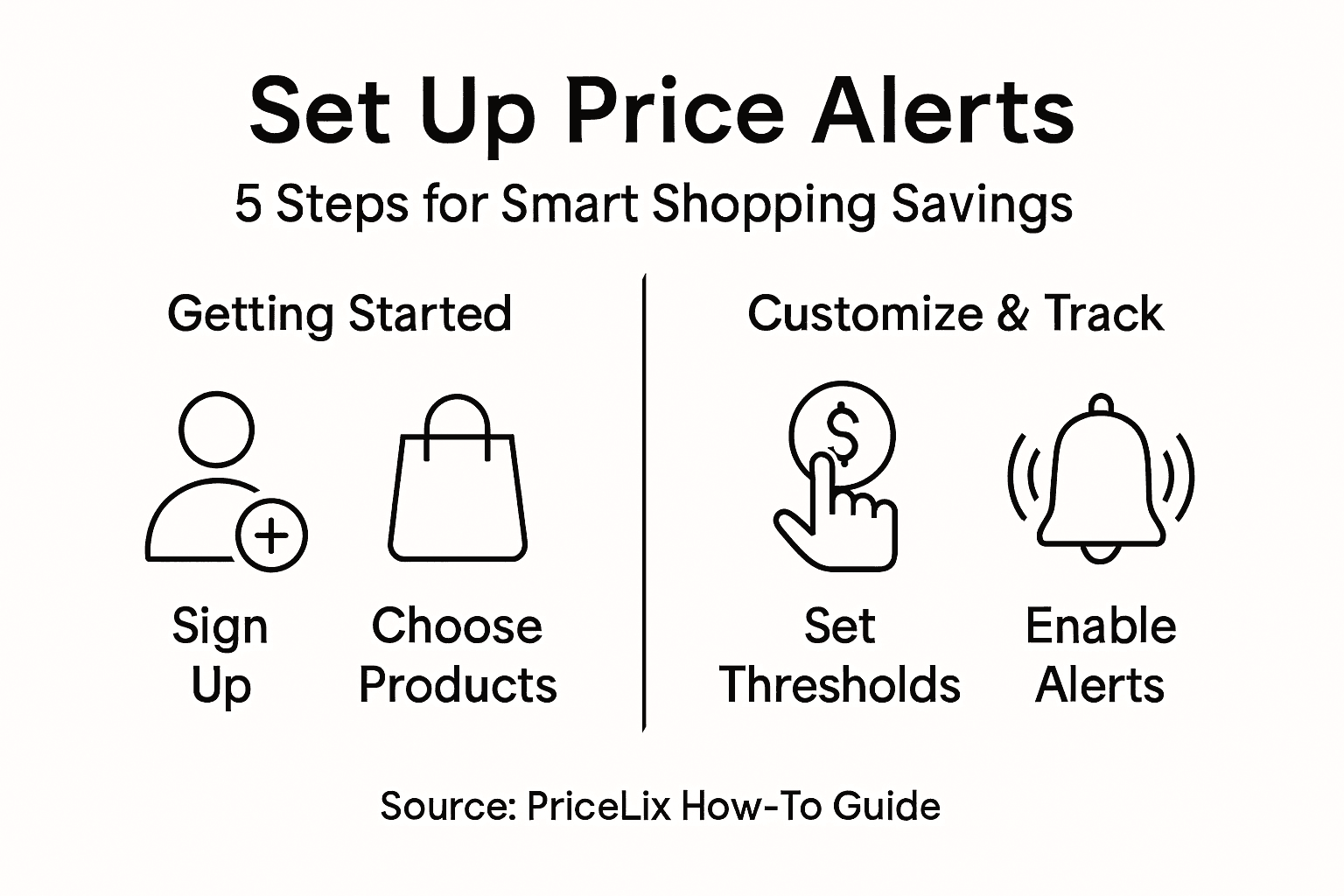
Use this summary table to review key PriceLix features and their benefits:
| Feature | Purpose | User Benefit |
|---|---|---|
| Unlimited Price Tracking | Monitors any number of items | Track all favorite products easily |
| Price Drop Alerts | Immediate notification of savings | Act fast on discounts |
| Historical Price Charts | View price trends over time | Make data-driven buying choices |
| Retailer Comparison Reports | Compare same item across stores | Identify the best available deals |
Pro tip: Set a monthly review of your tracked products to assess which alerts are most valuable and refine your price tracking strategy accordingly.
Take Control of Your Shopping with Smart Price Alerts Today
If you want to stop missing out on the best deals and avoid overpaying for the products you love, mastering price alerts is essential. The article “How to Set Up Price Alerts for Smarter Online Shopping” highlights key challenges like setting meaningful price thresholds, managing frequent notifications, and tracking multiple retailers efficiently. These pain points can create confusion and overwhelm but they do not have to.
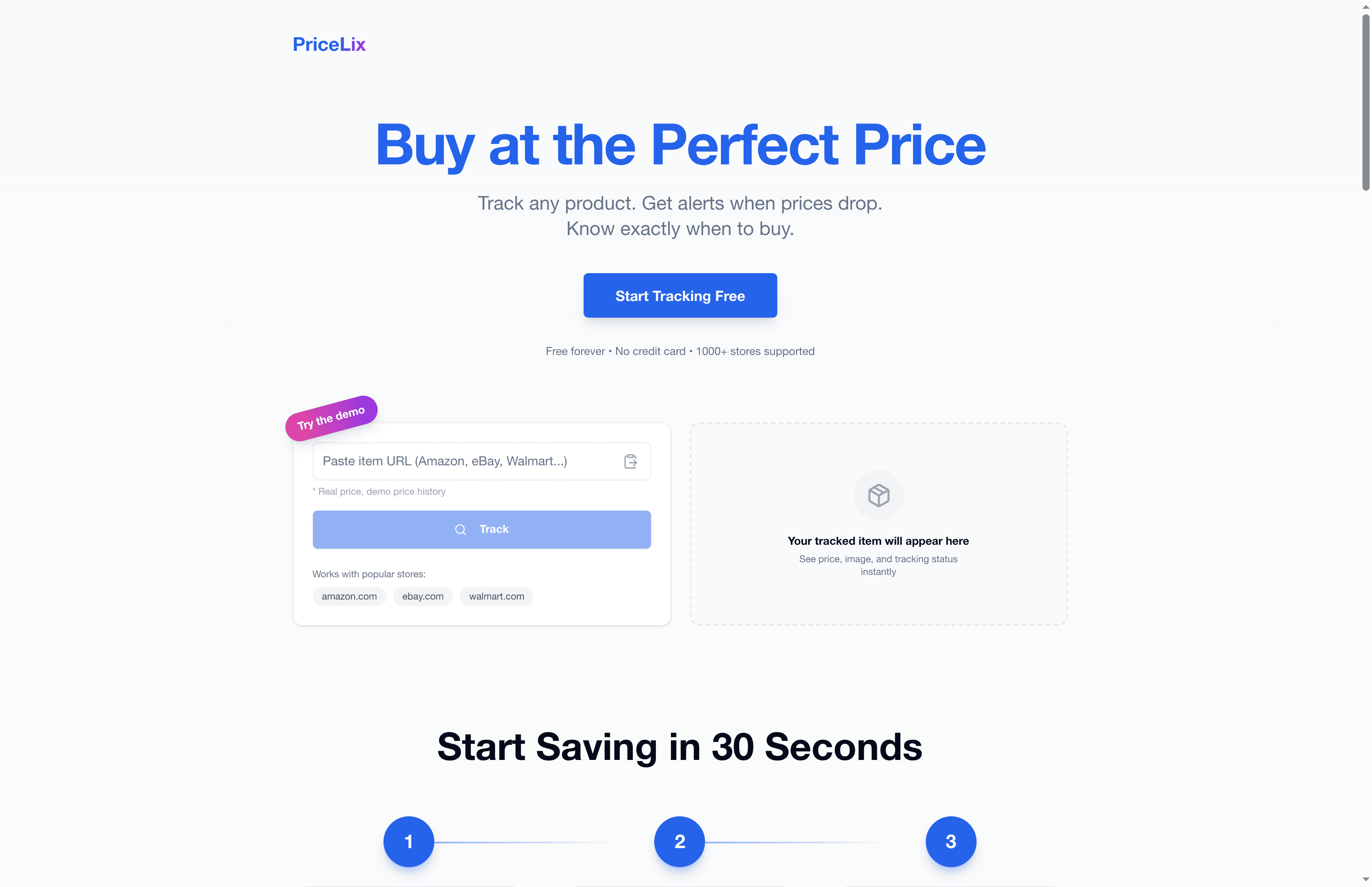
PriceLix provides a seamless solution that removes the guesswork by automatically monitoring prices on thousands of stores like Amazon, Walmart, and eBay. With our easy-to-use dashboard you get real-time price drop alerts, detailed price history charts, and customizable notifications designed to save you money and time while shopping smart.
Discover how PriceLix simplifies price tracking and empowers you to buy at the perfect moment without stress.
Start your free account today and take the first step toward smarter spending and greater savings.
Explore features that help you track everything effortlessly and never pay full price again.
Frequently Asked Questions
How do I create a PriceLix account for price alerts?
To create a PriceLix account, visit the PriceLix website and click the Sign Up button. Fill in your email address and create a strong password, then confirm your email through the verification link sent to your inbox.
What products should I track with PriceLix?
Focus on tracking products that you genuinely plan to purchase and where price fluctuations are likely, such as electronics, home goods, and seasonal items. You can monitor products by copying their URLs, searching for keywords, or importing a product list.
How can I set price thresholds for my tracked products?
You can set price thresholds in PriceLix by configuring alerts based on percentage drops, specific dollar amounts, or price ranges. This allows you to receive notifications when prices meet your criteria, helping you save more effectively.
What notification methods are available for price alerts?
PriceLix provides various notification methods including email alerts, push notifications, text message updates, and Telegram integration. Choose your preferred method to stay informed in real-time about significant price changes.
How do I verify my price alerts and monitor my savings?
Regularly check your savings dashboard in PriceLix to review potential price reductions and historical price charts. By analyzing your alerts weekly, you can see which categories yield the most savings and adjust your tracking settings to optimize results.
Can I adjust my alert settings after I set them up?
Yes, PriceLix allows you to customize and adjust your alert settings at any time. Go to your dashboard and modify notification preferences based on your evolving shopping needs, ensuring you receive the most relevant updates.
Recommended
- Discount Alerts Meaning: Smart Savings for Online Shoppers | PriceLix
- Ultimate Guide to Price Alerts Setup for Online Shoppers | PriceLix
- PriceLix - Buy at the Perfect Price | Free Price Tracker
- How Price Comparison Works for Smart Shoppers | PriceLix
- 7 Ways to Spot and Avoid an Amazon Scam Seller Wisely - Searchoneers
- Boost Your Success with Customer Engagement in Retail | BonusQR