
Price tracking workflow 2026: Save 40% with alerts
You buy something online, then see it cheaper a week later. That frustration costs budget-conscious shoppers hundreds yearly. Manually checking prices is tedious and error-prone. An automated price tracking workflow changes this, slashing monitoring time by 80% while capturing deals you’d otherwise miss. This guide shows you the tools, setup steps, and troubleshooting tactics to maximize savings and eliminate guesswork from your purchasing decisions.
Table of Contents
- Prerequisites And Tools Required For Effective Price Tracking
- Step-By-Step Automated Price Tracking Setup
- Comparison Of Alert Types: Real-Time Vs. Daily Summaries
- Best Practices For Alert Management And Price History Interpretation
- Troubleshooting Common Failure Points And Solutions
- Expected Measurable Outcomes Including Savings And Timelines
- Optimize Your Price Tracking With Pricelix In 2026
- Frequently Asked Questions About Price Tracking Workflows
Key takeaways
| Point | Details |
|---|---|
| Automation saves time | Automated tools reduce manual monitoring time by 80%, freeing hours weekly. |
| Real-time alerts boost results | Real-time alerts increase lowest price purchase rate by 60%, capturing deals instantly. |
| Multi-store tracking matters | Multi-retailer dashboards cut missed deals by 45%, covering all your favorite stores. |
| Alert setup prevents fatigue | Proper thresholds and filters stop notification overload before it starts. |
| Consistent tracking pays off | Measurable savings appear within 4 to 6 weeks of daily automated checks. |
Prerequisites and tools required for effective price tracking
Before you automate, you need the right foundation. Manual price checking wastes hours and misses fluctuations. Automated tools reduce manual monitoring time by 80%, letting you focus on buying instead of searching. Multi-store dashboards reduce missed discounts by 45% because they track across Amazon, Walmart, Target, and hundreds more simultaneously.
Start by choosing a price tracking platform that supports all retailers where you shop. Not all tools cover the same stores, so verify compatibility before committing. Define your target products and set realistic purchase price thresholds. If you track everything without criteria, alert fatigue sets in fast.
Here’s what you’ll need:
- A price tracking account supporting multiple retailers
- Clear list of products you plan to buy within 3 months
- Target prices based on historical data or competitor pricing
- Email or mobile notifications enabled for instant alerts
- 10 minutes weekly to review price history and adjust settings
Pro Tip: Start with 5 to 10 high-priority items instead of tracking dozens at once. You’ll learn the platform faster and refine your alert settings without drowning in notifications.
| Tool Feature | Why It Matters |
|---|---|
| Multi-retailer support | Captures deals across all stores you shop |
| Price history charts | Reveals trends so you time purchases smartly |
| Customizable alerts | Prevents notification overload and fatigue |
| Daily automated checks | Ensures you never miss sudden price drops |
Once your tools are ready, following best price tracking strategies ensures you extract maximum value from automation.
Step-by-step automated price tracking setup
Setting up your workflow takes less time than you think. Follow these steps to configure tracking that runs on autopilot and delivers results.
-
Select your tracking platform. Choose one with proven multi-retailer integration covering your preferred stores. Read user reviews to confirm reliability and alert accuracy.
-
Add products to your tracking list. Paste product URLs or search by name within the platform. Include items you’re ready to buy soon, not aspirational purchases months away.
-
Set target price thresholds. Specify the maximum price you’re willing to pay for each item. The platform alerts you only when prices drop below this threshold, filtering out irrelevant fluctuations.
-
Enable automated daily price checks. Most platforms scan prices every 24 hours by default. Confirm this setting is active so you don’t miss brief sales windows.
-
Choose alert frequency. Decide between real-time notifications or daily summary emails. Real-time works for limited-stock items; summaries suit non-urgent purchases.
-
Review price history before buying. Check the platform’s historical price chart to confirm the current price is genuinely low, not artificially inflated then discounted.
Pro Tip: Use the automated price tracking workflow guide to benchmark your setup against proven configurations that deliver 20 to 30% savings.
For deeper guidance on configuring alerts correctly, explore setting up price alerts and monitoring product prices to avoid common setup mistakes.

Comparison of alert types: real-time vs. daily summaries
Alert frequency directly impacts your savings and experience. Real-time alerts increase lowest price purchase rate by 60% because you act immediately when deals appear. Daily summaries reduce notification overload but risk missing flash sales that expire within hours.
Real-time alerts suit high-priority, time-sensitive purchases. If you’re tracking a popular electronics item during a holiday sale, instant notifications let you buy before stock depletes. Daily summaries work better for non-urgent items like household goods where you can wait days or weeks for the best price.
| Alert Type | Best For | Pros | Cons |
|---|---|---|---|
| Real-time | Limited stock, flash sales, trending items | Instant action, highest savings rate | More notifications, potential overload |
| Daily summary | Routine purchases, non-urgent items | Reduced noise, organized review | May miss brief price drops |
Balancing alert types depends on your shopping habits:
- Use real-time for items you’re ready to buy this week
- Choose daily summaries for products you’ll purchase within 1 to 3 months
- Combine both by setting real-time alerts only for deep discount thresholds
For a breakdown of alert mechanics, visit price alert types explained and price drop alerts to match alert strategies to your buying timeline.
Best practices for alert management and price history interpretation
Poor alert configuration causes problems fast. Ignoring alert configurations causes 40% of users to suffer notification fatigue, leading them to disable tracking entirely. Proper management prevents this and sustains long-term savings.
Start by setting realistic price thresholds. If an item’s lowest recorded price is $50, setting your alert at $70 floods you with irrelevant notifications. Instead, target 10 to 15% below the average price to capture genuine deals.
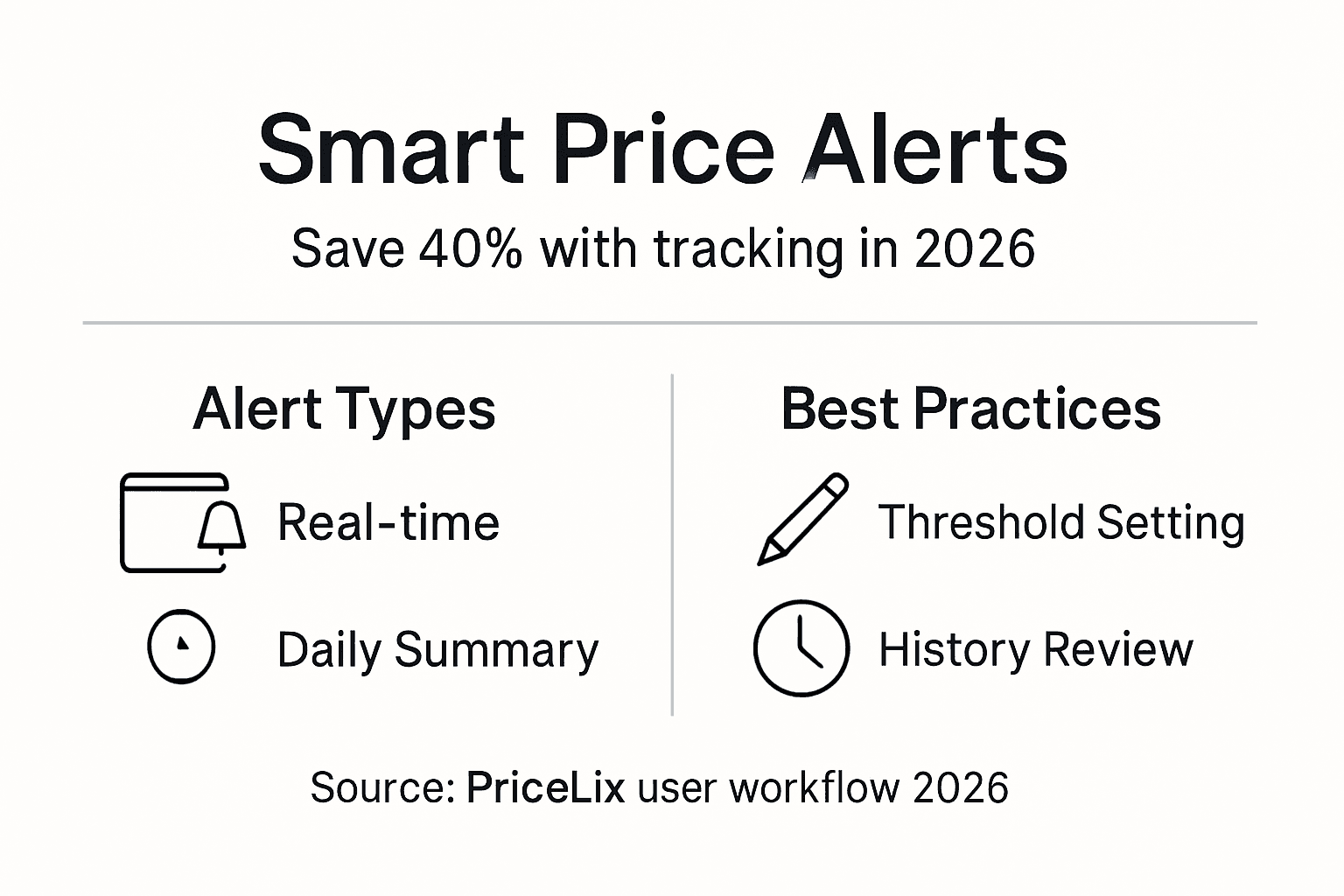
Price history charts reveal seasonal patterns. Electronics drop prices in January and November. Outdoor gear discounts peak in September. Reviewing these trends helps you time purchases for maximum savings, often yielding 15 to 25% additional value beyond basic alert-driven buys.
Pro Tip: Check price history for at least 90 days before setting thresholds. Short-term data misleads because temporary spikes distort averages.
Alert management strategies:
- Group similar items and set tiered thresholds based on urgency
- Pause alerts for products you’ve already purchased
- Review and adjust thresholds monthly as market prices shift
- Use summary alerts for tracked items above 10 to avoid constant interruptions
For historical tracking tactics, see price history best practices to interpret data accurately and avoid impulse purchases disguised as deals.
Troubleshooting common failure points and solutions
Even automated workflows hit snags. Knowing where they fail saves you money and frustration.
Manual tracking mistakes occur 35% of the time due to inconsistency. Forgetting to check prices or missing short-lived sales costs you real savings. Automation eliminates this, but only if configured correctly.
Missing price fluctuations happens when daily checks aren’t enabled. Some platforms default to manual refresh, requiring you to log in and update prices yourself. Verify your account runs automated scans every 24 hours without manual intervention.
Setting up alerts without price thresholds leads to ignored notifications in 40% of users. Every minor price change triggers an alert, overwhelming your inbox. The fix is simple: define clear thresholds that reflect genuine buying opportunities.
Single-store tracking causes you to miss 25% of deals because competitors often undercut each other. Multi-retailer platforms surface these opportunities automatically, but only if you’ve added products from multiple stores to your list.
Common failure points and fixes:
- Missed alerts: Check email filters and spam folders; whitelist your tracking platform’s email address
- Outdated prices: Confirm automated daily checks are active in account settings
- Alert overload: Raise price thresholds by 5 to 10% to reduce noise
- Limited store coverage: Add the same product from 3 to 5 competing retailers
For step-by-step alert troubleshooting, review fixing alert setup errors and consult the multi-retailer tracking report and alert fatigue analysis for data-backed solutions.
Expected measurable outcomes including savings and timelines
Realistic expectations keep you motivated. Savings typically appear within 4 to 6 weeks of consistent tracking because you need time to build a tracked product list and capture price cycles. Automated tracking improves average savings by 18% over manual methods, translating to $180 yearly savings on $1,000 in purchases.
Tracking during major sales events like Black Friday or Prime Day boosts savings up to 40% because retailers compete aggressively and prices fluctuate hourly. Combining automated alerts with event timing maximizes results.
| Timeline | Expected Outcome |
|---|---|
| Week 1-2 | Setup complete, initial products tracked, baseline prices established |
| Week 3-4 | First price drops captured, 5-10% savings on early purchases |
| Week 5-8 | Consistent savings of 15-20%, refined alert thresholds, reduced alert fatigue |
| Month 3+ | Sustained 18-30% savings, optimized tracking across multiple retailers |
Factors influencing your results:
- Number of products tracked (more items increase deal opportunities)
- Alert threshold accuracy (realistic targets capture better deals)
- Retailer diversity (multi-store tracking finds more discounts)
- Purchase timing (buying during sales events compounds savings)
Consistent alert management and price history review maximize these benefits. Use the price tracking savings checklist to benchmark progress and identify improvement areas.
Optimize your price tracking with PriceLix in 2026
You’ve learned the workflow. Now put it into action effortlessly. PriceLix offers multi-retailer automated price tracking tools that consolidate Amazon, Walmart, Target, and over 1,000 stores into one dashboard. Set alerts once, then let daily automated checks capture deals while you focus on other priorities.
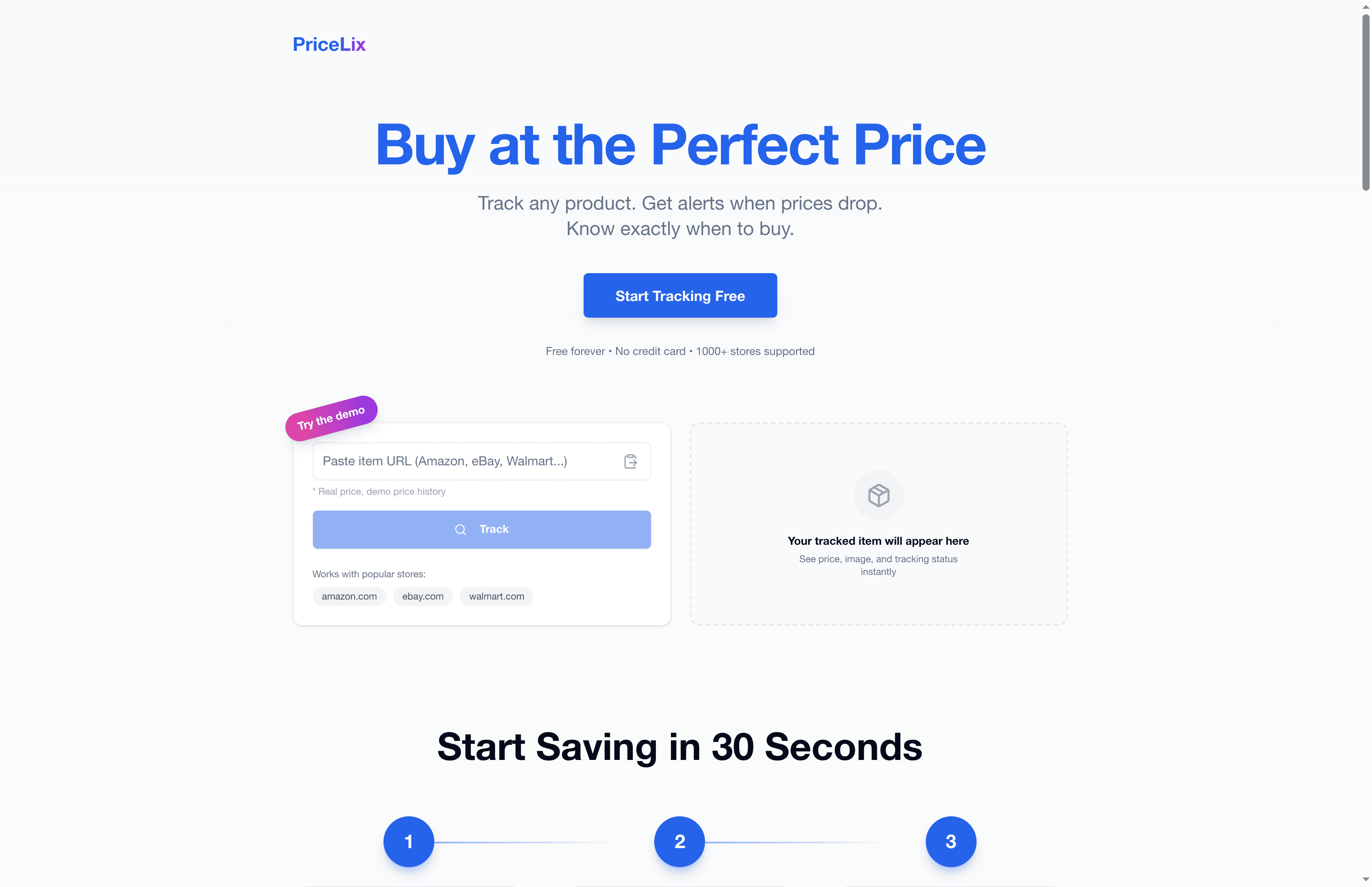
Join thousands of shoppers saving 18 to 30% by automating price tracking. Our platform handles the monitoring, sends real-time or daily summary alerts based on your preferences, and provides price history charts so you time purchases perfectly. Implement the automated price tracking workflow, follow the smart alerts checklist, and explore effective online price tracking types to maximize your results starting today.
Frequently asked questions about price tracking workflows
What’s the difference between real-time and daily summary alerts?
Real-time alerts notify you immediately when prices drop below your threshold, ideal for limited-stock or time-sensitive items. Daily summaries consolidate all price changes into one email sent at a scheduled time, reducing notification frequency while still capturing deals for non-urgent purchases.
How do I avoid alert fatigue effectively?
Set realistic price thresholds 10 to 15% below average prices, not just any drop. Pause alerts for purchased items immediately. Use daily summaries for items you’re tracking long-term and reserve real-time alerts only for urgent, high-priority products.
How long before I see real savings from price tracking?
Most users see measurable savings within 4 to 6 weeks of consistent tracking. Early purchases may yield 5 to 10% savings as you refine thresholds, growing to 18 to 30% over three months as you optimize alert settings and capture seasonal cycles.
Why does multi-retailer support matter for savings?
Retailers compete on price constantly. Tracking a product at only one store means missing 25% of deals when competitors undercut. Multi-retailer platforms surface the absolute lowest price across all stores, maximizing your savings without extra effort.
What are best practices for adjusting alert thresholds over time?
Review price history every 30 days to identify new trends. If average prices drop 10%, lower your threshold accordingly to maintain relevance. If alerts consistently trigger but you’re not buying, raise thresholds by 5% to reduce noise and focus on genuine opportunities. For detailed guidance, check price alert details to fine-tune your approach.