
Automated discount tracking workflow: save more in 2026
TL;DR:
- Automated tracking tools use APIs and web scraping to monitor prices continuously across platforms.
- Proper setup includes choosing specific products, setting realistic thresholds, and reviewing price history.
- Success depends on discipline, critical evaluation of deals, and tightening alert criteria to avoid impulse buys.
You found the perfect product. You added it to your cart. Then life happened, and when you came back two days later, the price jumped $40. Sound familiar? This happens constantly in online shopping, and it is not bad luck. It is the reality of how modern e-commerce pricing works. Prices shift fast, sometimes multiple times a day, and if you are relying on memory or manual checks, you are going to miss deals. This guide walks you through exactly how to build an automated discount tracking workflow so you can stop chasing prices and start catching them.
Table of Contents
- Why automated discount tracking matters
- Tools and requirements for automated discount tracking
- Step-by-step: Setting up your discount tracking workflow
- Troubleshooting and common mistakes in discount tracking
- What most guides miss about discount workflows
- Start optimizing your discount tracking workflow
- Frequently asked questions
Key Takeaways
| Point | Details |
|---|---|
| Automation saves time | Automated workflows track price changes so you never manually hunt for discounts. |
| Verification prevents errors | Checking retailer sites avoids outdated prices and fake deals. |
| Tools support multi-platform | Discount tracking tools monitor many stores for wider savings opportunities. |
| Alerts drive success | Smart alert settings ensure you’re notified when the best deals go live. |
Why automated discount tracking matters
Let me hit you with some numbers. Amazon reprices 2.5 million items daily, which means automation is not a convenience. It is a requirement for accurate tracking. No human being can manually check millions of listings and catch the right moment to buy. You would spend more time refreshing pages than actually saving money.
Manual tracking has another problem: it is emotionally exhausting. You check a price, it looks okay, you wait, you check again, it went up. Then you buy out of frustration at a price you never intended to pay. That is not a strategy. That is bleeding money without realizing it.
Automated discount tracking workflows solve this by using APIs (application programming interfaces, which let software communicate with retailer databases) and web scrapers (tools that automatically read and record prices from websites) to monitor prices on your behalf, hourly or even more frequently. When a price hits your target, you get an alert. You act. Done.
Here is a quick look at how often prices shift across major platforms:
| Platform | Average daily price changes | Peak repricing period |
|---|---|---|
| Amazon | 2.5 million+ items | Holiday season |
| Walmart | Hundreds of thousands | Weekend promotions |
| eBay | Varies by seller | Auction end times |
| Target | Tens of thousands | Weekly ad cycles |
The benefits of automating this process are immediate and real:
- No more missed deals because you were not watching at the right moment
- Less decision fatigue since alerts tell you when to act, not when to stress
- Price history access so you can see if a deal is actually a deal
- Multi-store coverage without opening a dozen tabs every morning
- Customizable thresholds so you only hear about drops that matter to you
Understanding the workflow automation benefits behind price monitoring can shift how you approach every purchase. It turns reactive shopping into a proactive strategy.
Now that you know why manual tracking can’t keep up, let’s look at what you need to get started.
Tools and requirements for automated discount tracking
Not all tracking tools are built the same. Some are browser extensions that only work when your browser is open. Others are web platforms that run in the background 24/7. For a real automated workflow, you want the latter.
The mechanics rely on web scraping and APIs to pull frequent price updates from retailer pages. This is what separates a solid automated tracking workflow guide from a basic wishlist feature.

Here is what to look for in a tracking tool:
| Feature | Why it matters | |—|—|—| | Real-time or hourly updates | Catches fast-moving deals before they expire | | Price history charts | Reveals whether a discount is genuine or inflated | | Custom alert thresholds | Filters noise so you only act on meaningful drops | | Multi-platform support | Tracks items across Amazon, Walmart, eBay, and more | | No extension required | Works even when your browser is closed |
For beginners, here are the minimum requirements to get started:
- A free account on a reputable price tracking platform
- A list of products you actually plan to buy (not just browse)
- An email address or phone number for alert delivery
- A basic understanding of what price drop percentage matters to you
- Access to top tracking tools that support the retailers you shop most
You should also check out these discount tracking tips for a deeper look at how to get the most out of any tool you choose.
Pro Tip: Always choose a tool that shows price trend graphs, not just the current price. A product listed at $80 might look like a deal, but if the chart shows it was $60 three weeks ago, that chart becomes gold. It protects you from fake discounts where retailers inflate the original price before a sale.
With your tools and prerequisites ready, let’s walk through setting up your workflow step by step.
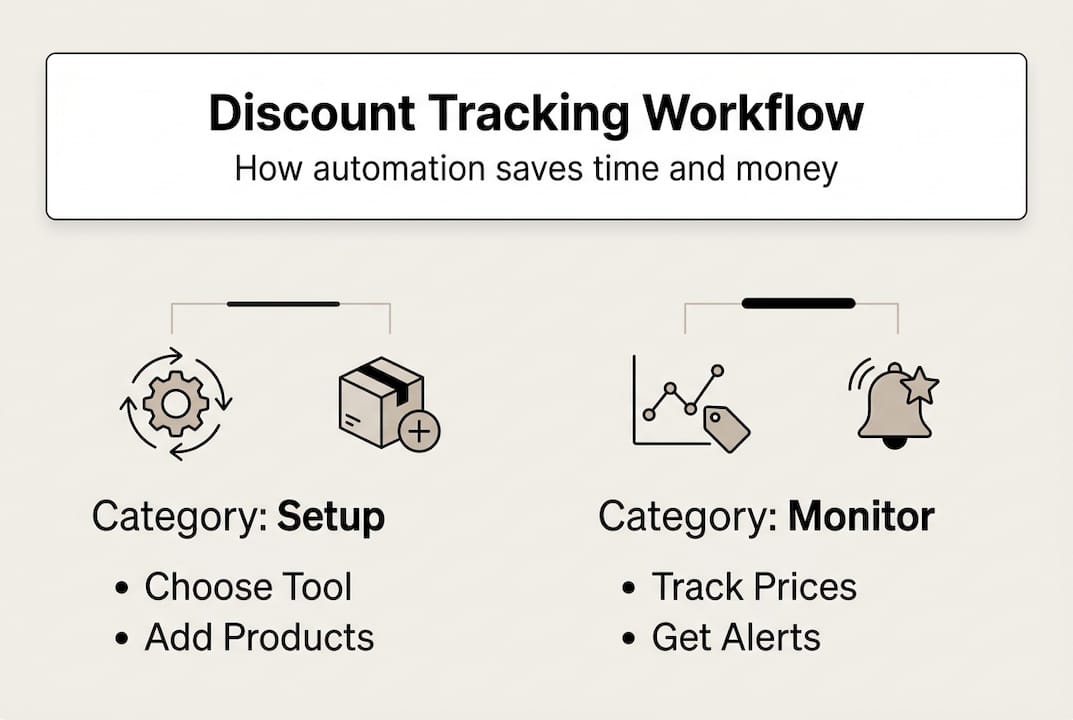
Step-by-step: Setting up your discount tracking workflow
Setting up your workflow does not need to be complicated. Follow these steps and you will have an active system running within the hour.
-
Choose the product you want to track. Be specific. Search for the exact model number or variant. Tracking a generic category gives you noise, not savings.
-
Select your tracking platform. Pick a tool that supports the retailer where the item is listed. Make sure it offers price history and alert customization.
-
Set your target price or drop percentage. Decide what makes a deal worth acting on for you. A 5% drop on a $20 item is not worth your attention. A 20% drop on a $300 item is.
-
Activate your alerts. Choose your delivery method: email, SMS, or push notification. Make sure alerts go somewhere you will actually see them quickly.
-
Review the price history before you buy. When an alert fires, do not just click buy. Look at the price history trends first. Alerts trigger on thresholds, but the history shows whether this is a genuine low or a temporary blip.
-
Act on the deal or wait. If the price history confirms this is a real low, buy now. If the item has been cheaper recently, set a tighter threshold and wait.
For more detail on configuring notifications, check out this guide on setting up price alerts and this detailed price alert setup walkthrough for beginners.
Pro Tip: Do not set your threshold too low. Chasing every $1 drop will flood your inbox and train you to ignore alerts. Set a minimum of 10 to 15 percent for most items, or a fixed dollar amount that genuinely moves the needle for your budget.
Important: Not every alert means a real discount. Some retailers temporarily raise prices before a sale event to make the percentage drop look bigger. Always cross-reference the price history chart before purchasing. If the history only goes back a few days, treat that deal with extra skepticism.
Once your workflow is active, you will need to watch out for a few challenges and mistakes.
Troubleshooting and common mistakes in discount tracking
Even a well-configured workflow can run into problems. Here are the most common issues and how to fix them.
Common errors to watch for:
- Outdated prices in your tracker. Some tools update less frequently than advertised. If your tracker shows a price that does not match the retailer’s site, the tool may be lagging. Switch to a platform with confirmed hourly or real-time updates.
- Affiliate bias in tool recommendations. Some trackers may prioritize partnered retailers, which means they might not surface the best deal across all stores. Always verify the latest price directly on the retailer’s site before purchasing.
- Incorrect alert thresholds. If you set your threshold too tight, you will miss deals. Too loose, and you will get flooded with alerts that are not worth acting on. Revisit your settings every few weeks.
- Tracking the wrong product variant. A size, color, or bundle difference can mean a completely different price history. Make sure you are tracking the exact item you plan to buy.
- Ignoring shipping costs. A $30 price drop means nothing if shipping adds $25. Factor in the total cost, not just the listed price.
To verify a deal is real before you buy:
- Open the retailer’s product page directly and check the current price.
- Compare it against the price history chart in your tracker.
- Check if the item is fulfilled by the retailer or a third-party seller, since third-party prices can vary wildly.
- Look for any coupon codes or cashback offers that might stack with the discount.
For a structured approach, use this discount tracking checklist and review the best tracking strategies to keep your workflow running clean.
If your workflow misses a deal entirely, do not panic. Review your alert delivery settings, check whether the price drop happened within your threshold window, and adjust accordingly. Missing one deal is feedback, not failure.
Having mastered troubleshooting, let’s look at how to confirm your workflow is delivering the results you want.
What most guides miss about discount workflows
Here is something most price tracking articles will not tell you: the tool is only half the equation. The other half is your own behavior.
Most guides focus on setup and features. They skip the uncomfortable truth that deal chasing can become its own problem. You get an alert, you feel the urgency, and you buy something you did not actually need. That is not savings. That is impulse spending dressed up as strategy.
There is also the affiliate incentive issue. Many tracker tools earn commissions when you click through and buy. This means some tools may not reflect current deals from all retailers equally. They surface deals from partners first. Understanding this helps you use trackers more critically rather than trusting them blindly.
Read up on price drop alerts explained to understand how alert logic works under the hood, so you can interpret notifications with more confidence.
The best savings come from discipline, not volume. Track fewer items with tighter intent. Buy when the price history confirms a genuine low. Skip the deal if you were not already planning to buy the item. That mindset turns a workflow into a real savings engine.
Pro Tip: Review your purchase history every month. If most of your tracked purchases were unplanned, your thresholds are too loose and your intent list needs tightening.
Start optimizing your discount tracking workflow
You now have the knowledge. The next step is putting it to work without the manual effort.
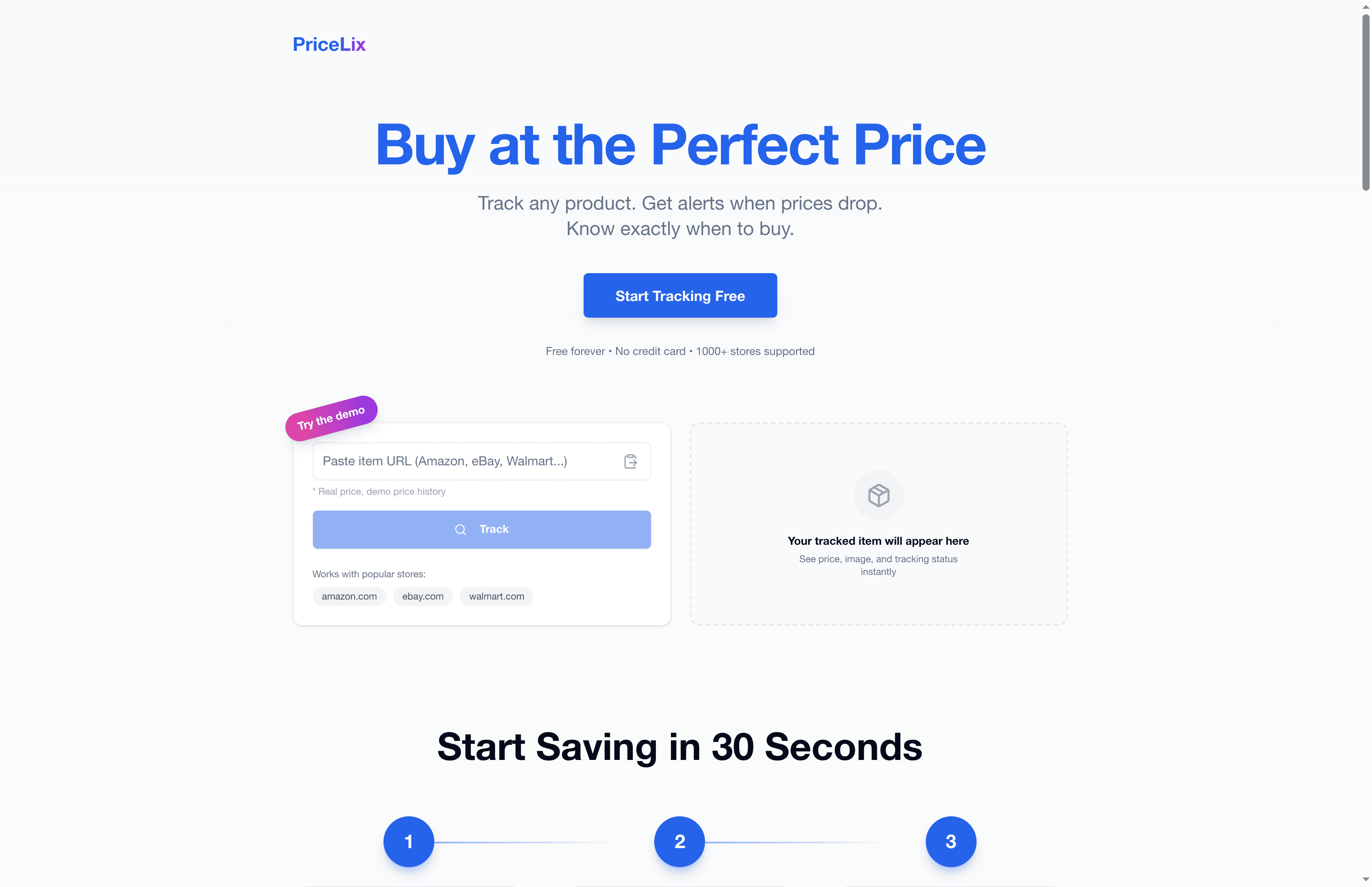
PriceLix makes automated discount tracking straightforward. You can track products across Amazon, eBay, Walmart, and over a thousand other stores from a single dashboard. No browser extension needed. Just add an item, set your target price, and let the platform handle the monitoring. When prices drop, you get an alert. Price history charts are built in so you can spot fake discounts instantly. Whether you are hunting holiday deals, tracking a product launch, or just waiting for the right moment on a big purchase, PriceLix gives you the tools to shop smarter and spend less.
Frequently asked questions
How accurate are automated discount trackers?
Most are accurate for major retailers but can lag behind real-time prices. Accuracy lags are possible, so always verify deals directly on the retailer’s website before completing your purchase.
Can I use these workflows for multiple retail platforms?
Yes. Automated discount tracking tools use web scraping and APIs to monitor prices across multiple stores simultaneously and alert you when any of them drop.
How do I avoid falling for fake discounts?
Check the price history chart before buying. Price history reveals trends and exposes cases where a retailer raised the price before a sale to make the discount look bigger than it is.
What should I do if I miss a deal alert?
Review your alert thresholds and delivery settings. Alert frequency affects deal capture, so consider setting more frequent update intervals and broadening your coverage to catch fast-moving discounts sooner.