
Your Checklist for Smart Online Shopping in 2026
TL;DR:
- Millions of online shoppers lose money annually due to overlooked details like fake deals and scam sites. Verifying seller legitimacy, checking price history, and using secure payment methods can prevent unnecessary losses. Building a simple personal checklist helps consumers shop more deliberately and protect their finances effectively.
Every year, millions of shoppers lose money online. Not from obvious scams, but from overlooked details. A missing return policy here. A suspiciously cheap price there. A payment form that looked just real enough. This checklist for smart online shopping walks you through every decision point, from verifying a seller’s legitimacy to protecting your payment data and spotting inflated “discounts” that were never real deals. Follow it before you hit buy, and you stop bleeding money without realizing it.
Table of Contents
- Key takeaways
- 1. Your checklist for smart online shopping starts with seller verification
- 2. How to research prices and spot fake discounts
- 3. Best payment and privacy practices for secure transactions
- 4. How to evaluate return policies and delivery options
- 5. How to use AI shopping tools without getting played
- 6. How to protect your personal information at every step
- My honest take on the shopping checklist habit
- Stop overpaying. Price-lix makes the checklist effortless.
- FAQ
Key takeaways
| Point | Details |
|---|---|
| Verify sellers before paying | Check HTTPS, domain age, and independent reviews before entering any payment info. |
| Use price history tools | Price history charts reveal whether a sale is real or manufactured urgency. |
| Credit cards are your best defense | Credit cards offer stronger fraud protection and easier dispute processes than debit cards. |
| Read return policies first | Return conditions vary wildly. Read them before purchase, not after. |
| Pause before you buy | Optimism bias makes bad deals look good. Build in a reflection step every time. |
1. Your checklist for smart online shopping starts with seller verification
Before you do anything else, confirm the store is real. This is where most shoppers skip ahead too fast, and it’s where scammers count on you moving quickly.
Start with the basics. Does the site use HTTPS? Look for the padlock icon in your browser’s address bar. No padlock means your data is not encrypted in transit. That’s a hard stop.
Next, run a WHOIS lookup on the domain. It takes 30 seconds. Sites registered under six months ago carry a significantly higher fraud risk. If a store launched last month and is already running deep discounts, that’s a pattern, not a coincidence.
Then look for real contact information. Legitimate retailers must list a physical address and verifiable phone number. An email-only contact form is suspicious. If they don’t want you to reach them easily, ask yourself why.
Here’s a quick pre-purchase trust checklist:
- HTTPS padlock visible in browser bar
- Domain age over 6 months (verify via WHOIS lookup)
- Physical address and phone number listed on the site
- Independent reviews on Trustpilot, the Better Business Bureau, or Google
- No pressure to pay via wire transfer, cryptocurrency, or gift cards
- URL spelled correctly with no subtle character swaps (like “arnazon.com”)
Social media ads often feature manipulated positive comments, so never rely on on-site testimonials or social proof alone. Go find the reviews yourself on a third-party platform.
Pro Tip: Copy the store’s name into Google followed by “reviews” or “scam.” If the second page of results shows complaint forums and fraud reports, walk away regardless of how good the deal looks.
2. How to research prices and spot fake discounts
A “60% off” badge means nothing without context. The only thing that matters is the product’s actual price history. Without it, you’re guessing.
This is where price tracking tools become gold. Browser extensions like CamelCamelCamel reveal historical pricing data, exposing whether a so-called limited-time sale is a genuine drop or a manufactured one. Retailers sometimes inflate the “original price” for weeks before a sale event to make the discount look larger than it is. The price history chart catches that instantly.

Here’s a comparison of what to look for when evaluating a deal:
| Signal | What it means | Action |
|---|---|---|
| Price 70-90% below retail | Strongly indicates fraud, not a real sale | Avoid entirely |
| Price dropped recently from a spike | Artificial inflation before a “sale” | Check 90-day history |
| Price matches or beats all competitors | Potentially genuine deal | Verify with two more sources |
| No price history available | Newer listing or obscure retailer | Treat with extra caution |
There’s also a psychological trap at work here. Optimism bias causes shoppers to believe deals that are too good to be true, and scammers build their entire strategy around it. The excitement of saving 80% overrides the skeptical part of your brain. Experts recommend pausing and verifying before you purchase to counteract that reflex.
Beyond extensions, compare prices across at least two or three well-known retailers before committing. If only one store is offering a drastically lower price on a popular item, that’s not a win. That’s a warning.
Pro Tip: When evaluating deals, also check if the brand’s official website has the same item at a similar price. Counterfeit products often appear at steep discounts on third-party marketplaces while the real version sits at full price on the brand’s own site.
You can also find specific strategies for spotting fake discounts from people who study these tactics closely.
3. Best payment and privacy practices for secure transactions
Your payment method is your last line of defense. Choose it like one.
Credit cards provide stronger consumer protection than debit cards under U.S. law. With a debit card, fraudulent charges come directly out of your bank account while the dispute process plays out. With a credit card, you dispute first and the money stays put. That’s a meaningful difference when something goes wrong.
If you want even tighter security, use a virtual credit card number. Virtual card numbers generate disposable credentials that limit fraud exposure per transaction. You can set spending limits and the number becomes useless after one use, so even if a retailer’s database gets breached, your real card is untouched.
A few other practices that matter:
- Never save your payment info on retail websites or in your browser autofill
- Use a VPN on public Wi-Fi before entering any payment details
- Pay through services with built-in buyer protection like PayPal when possible
- Always check that the checkout URL matches the store’s main domain
Watch out for phishing emails and fake shipping alerts that prompt you to click suspicious links. These can install malware or redirect you to a lookalike payment page. If a shipping notification looks off, go directly to the carrier’s official website and enter your tracking number manually. Never click through from the email.
Pro Tip: Set up transaction alerts on your credit card so you get a text or push notification every time a charge goes through. Unauthorized charges surface instantly instead of sitting unnoticed until your monthly statement.
For a deeper look at maximizing your payment protection while finding great deals, the guide on saving on online shopping covers this well.
4. How to evaluate return policies and delivery options
Most shoppers skim the return policy or skip it entirely. That’s how you end up stuck with a product you can’t send back.
Before you buy, look for these specifics in the return policy:
- How many days do you have to return the item?
- Do you pay return shipping, or does the retailer?
- Is the item eligible for a full refund, store credit only, or exchange?
- Are there restocking fees?
- What condition must the item be in for the return to be accepted?
A generous return window (30 days or more) with free return shipping is the gold standard. Anything shorter than 14 days or requiring you to eat the return shipping cost should factor into your buying decision.
For delivery, here’s a quick reference table:
| Option | Best for | Consideration |
|---|---|---|
| Standard shipping with tracking | Everyday purchases | Verify tracking is included, not optional |
| Signature-required delivery | High-value items | Prevents porch theft |
| In-store or locker pickup | Security-sensitive orders | Eliminates transit risk entirely |
| Expedited shipping | Time-sensitive needs | Weigh cost against urgency |
Keep every order confirmation and shipping notification email. If a dispute arises later, those records are your evidence. Check your accounts for unauthorized charges in the week following any new purchase. Fraud from a compromised retailer sometimes takes a few days to surface.
5. How to use AI shopping tools without getting played
AI shopping assistants are popping up everywhere in 2026. Used well, they save time. Used carelessly, they push you toward impulse buys.
AI shopping tools require carefully crafted prompts that specify your price limits and must-have features. If you just ask “find me a good laptop,” you’ll get recommendations that prioritize sponsored products or popular items, not the best value for your specific budget. Be specific. Tell the tool your ceiling price, what features matter, and what you won’t compromise on.
Treat AI recommendations as a starting point, not a final answer. Cross-check anything an AI suggests against a price history tool and independent reviews before buying. The AI doesn’t know if a retailer is sketchy. You still have to verify that yourself.
Also, be aware that browser-based coupon extensions have grown more powerful. Coupon extensions automate discount application at checkout, which can stack savings you might otherwise miss. Just confirm the extension is from a trusted developer before installing it, since some fake extensions harvest your browsing data.
6. How to protect your personal information at every step
Scammers don’t always target your money directly. Sometimes they want your data first.
Only fill out the fields a retailer actually needs to complete your order. Your date of birth, phone number, and secondary email are often optional. Skip them. The less personal data stored on a retail platform, the smaller your exposure if that platform gets breached.
Use a dedicated email address for online shopping. This contains any spam or phishing attempts in one place and makes it easy to spot when a “shipping alert” is coming from an address you’ve never seen before.
Password reuse is still one of the most common reasons accounts get compromised. Use a unique password for every retail account. A password manager makes this frictionless. If a retailer offers two-factor authentication, turn it on. The extra step takes seconds but blocks the majority of account takeover attempts.
Watch for smishing texts too. These are phishing attempts delivered via SMS, often disguised as package delivery notifications. If a text asks you to click a link to “confirm delivery,” go to the carrier website directly instead.
My honest take on the shopping checklist habit
I’ll be direct. The first time I went through a proper online buying checklist, it felt like overkill. Who checks domain age before buying a $30 item?
Then I caught a fake retailer running ads on a legitimate social media platform with a pixel-perfect copy of a real brand’s website. The domain was two months old. I would have missed it completely if I hadn’t looked. That experience changed how I approach every purchase now.
What I’ve found is that the checklist isn’t really about any single step. It’s about changing your default from reactive to deliberate. Most online shopping mistakes aren’t the result of being uninformed. They’re the result of moving too fast. The checklist slows you down by just enough to catch what your excitement would have skipped over.
My advice: build a short personal version of this list. Five items, maximum. The ones most relevant to how you shop. Tape it to your monitor if you have to. The habit is worth more than any single check.
And honestly, the savings side matters just as much as the safety side. You’re leaving real money on the table every time you buy without checking price history. That’s not a minor detail. That’s money you could have kept.
— Serhii
Stop overpaying. Price-lix makes the checklist effortless.
You’ve got the checklist. Now the question is how often you’ll actually use it when a deal looks too good to pass up.
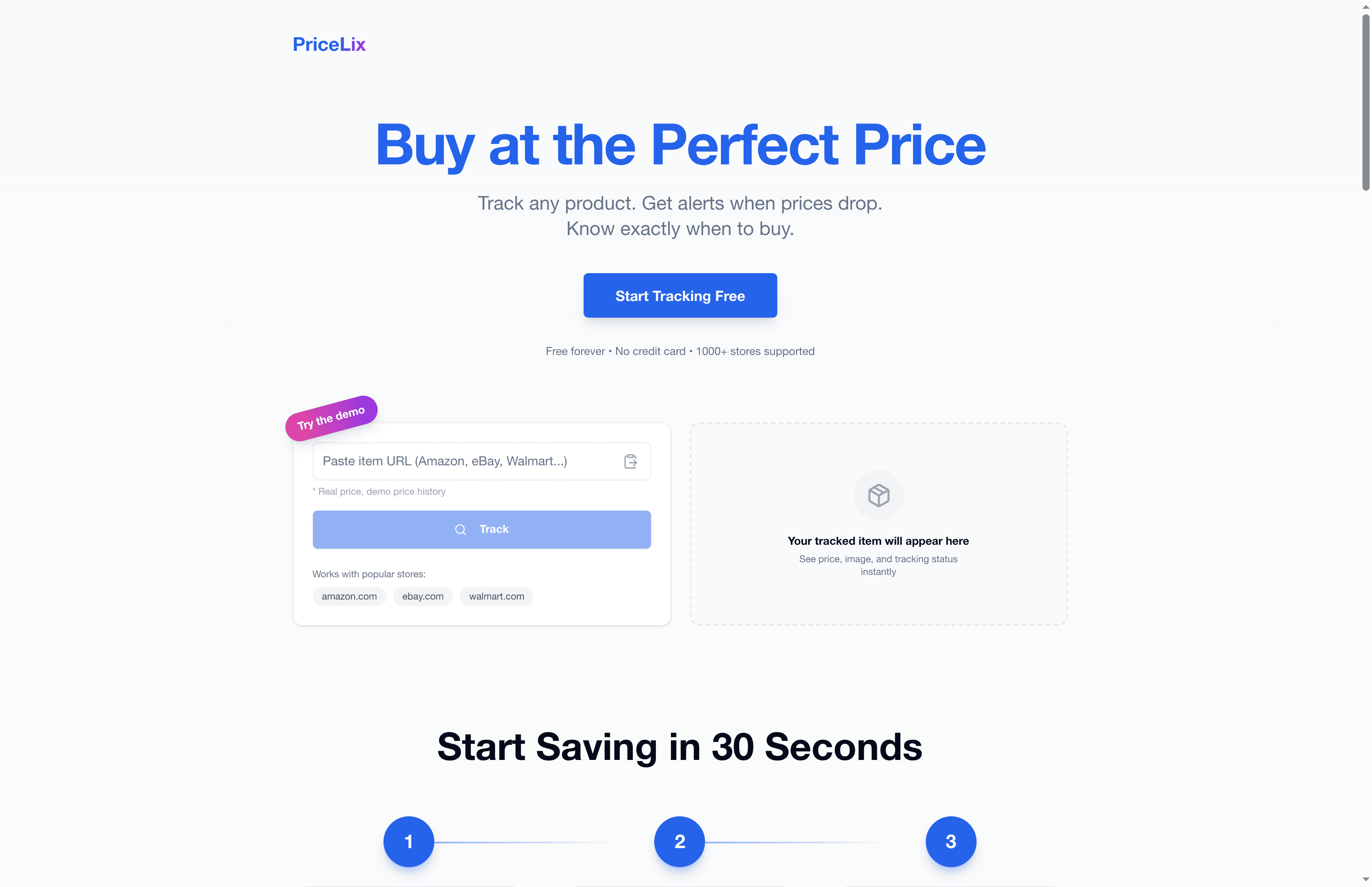
Price-lix automates the most time-consuming part: price tracking. Instead of manually checking price history across a dozen retailers, Price-lix does it for you. Set a price alert on any product across Amazon, Walmart, eBay, and over a thousand other stores. When the price drops to your target, you get notified. No extensions required. No daily manual checks. Just the right price at the right time. Start tracking smarter at Price-lix.com.
FAQ
What makes a good checklist for e-commerce purchases?
A solid online buying checklist covers seller verification, price history review, secure payment methods, and return policy evaluation before every purchase. Run through each step in order to catch red flags that excitement tends to override.
How do I know if an online discount is real?
Check the product’s price history using a tracking tool or browser extension. Price history charts reveal whether a “sale price” is genuinely lower than the item’s typical cost or just an inflated baseline made to look like a deal.
What is the safest payment method for online shopping?
Credit cards remain the safest option for online purchases due to stronger fraud protection laws compared to debit cards. Virtual credit card numbers add another layer of security for high-risk or unfamiliar retailers.
How can I tell if an online store is a scam?
Check the domain age via a WHOIS tool, verify independent reviews on Trustpilot or the BBB, confirm a physical address and phone number are listed, and avoid any retailer that only accepts wire transfers, gift cards, or cryptocurrency.
Why do smart shoppers check price history before buying?
Price history shows whether a deal reflects a genuine drop or artificial inflation. Retailers sometimes raise prices before sale events to make discounts appear larger. Without history data, you have no way to know if you’re actually saving anything.